What do I need to run PiDash?
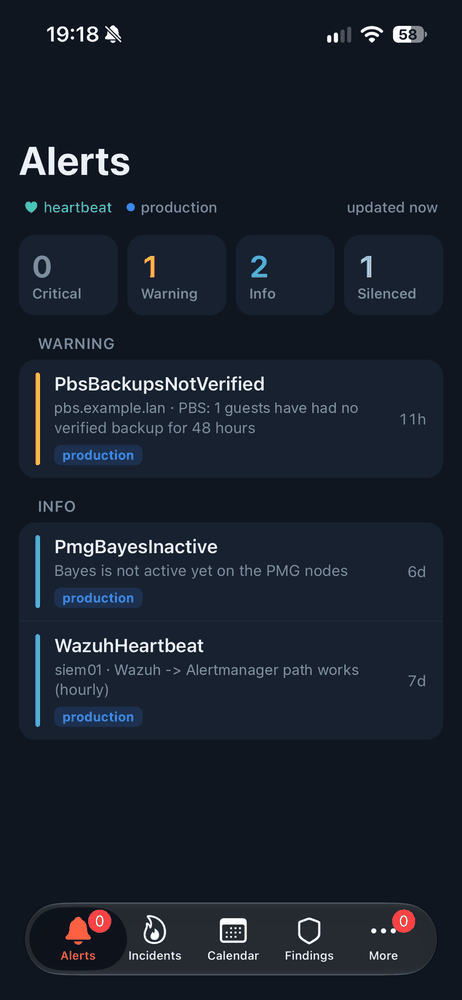
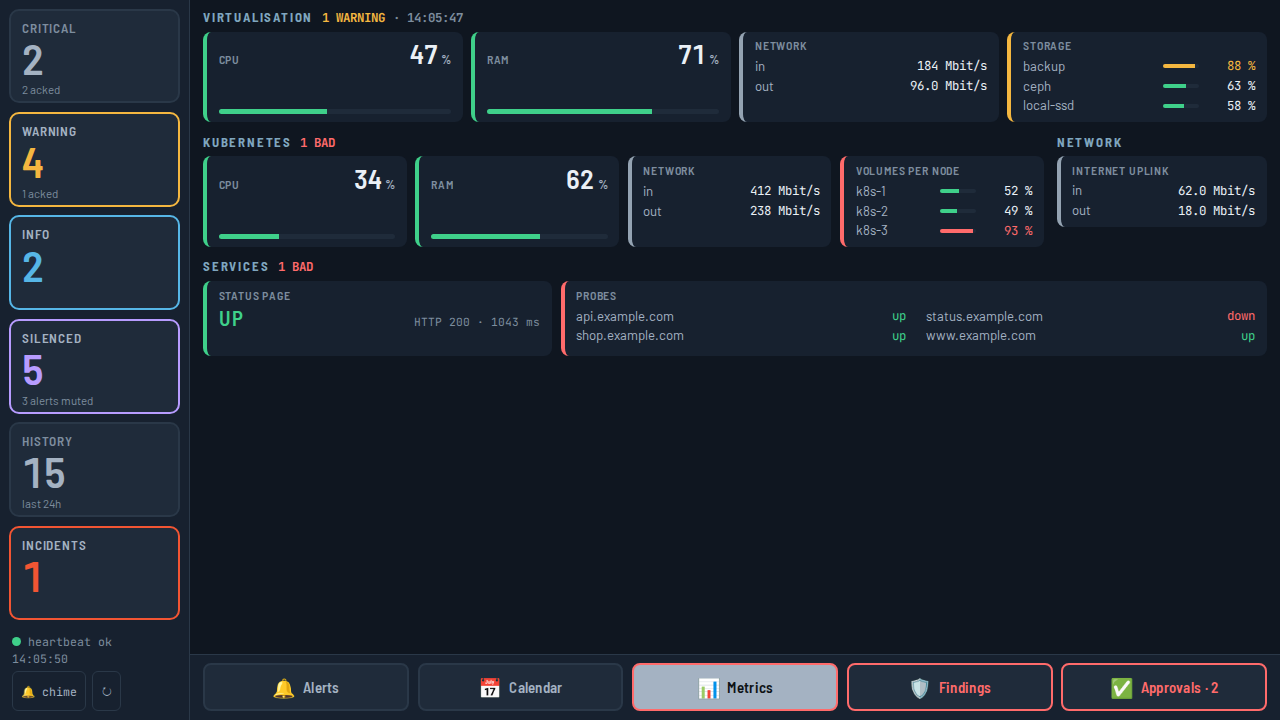
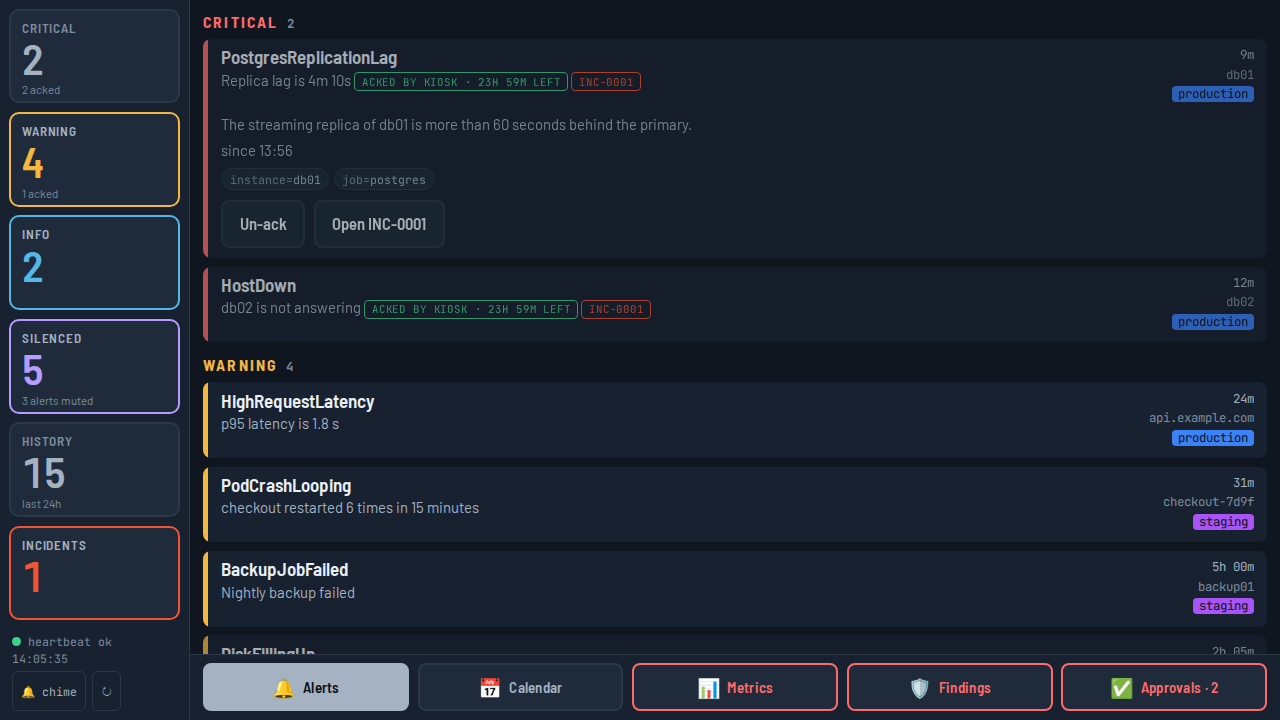
An iPhone, and the board: a Raspberry Pi 4 or 5 (or any Linux machine) with Docker, at least one Alertmanager, an OIDC provider that puts a groups claim in its ID token, and a TLS reverse proxy for the board's public address.
How do I join the beta?
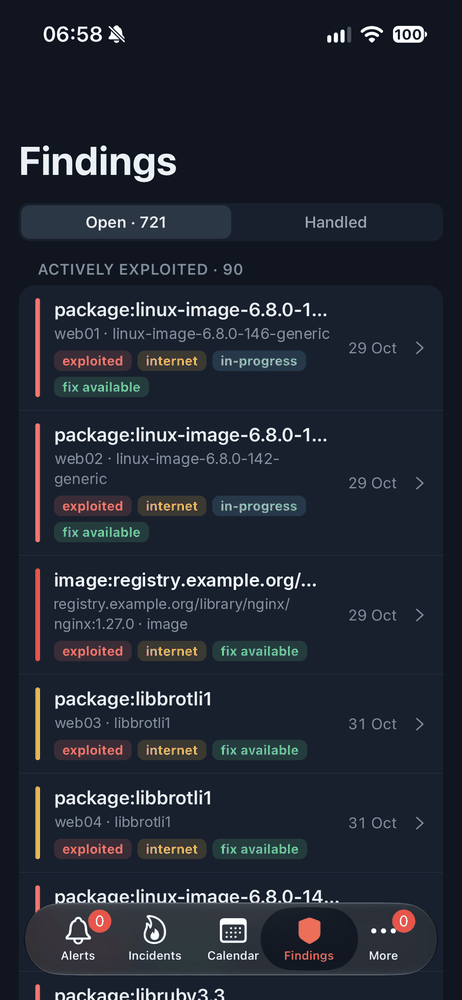
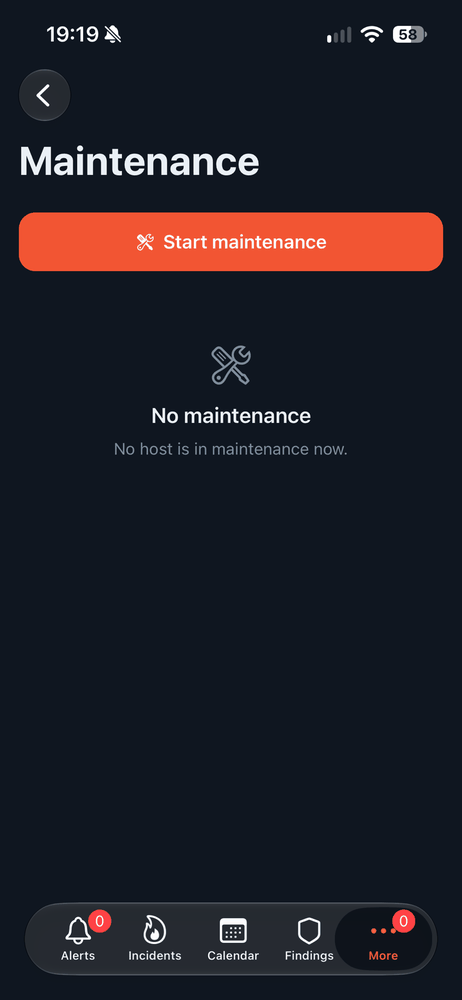
Install TestFlight from the App Store, then open the PiDash beta link on your iPhone and install PiDash from there. Feedback goes through TestFlight's own “Send Beta Feedback”, or by mail.
Does my data go through your servers?
No. The app talks only to your own board, and the board only to your own systems. There is no PiDash cloud, no account with us and no analytics. Push notifications are encrypted by your board for your phone alone, then passed through our push relay to Apple: the relay can't read them and keeps nothing.
Which systems does it support?
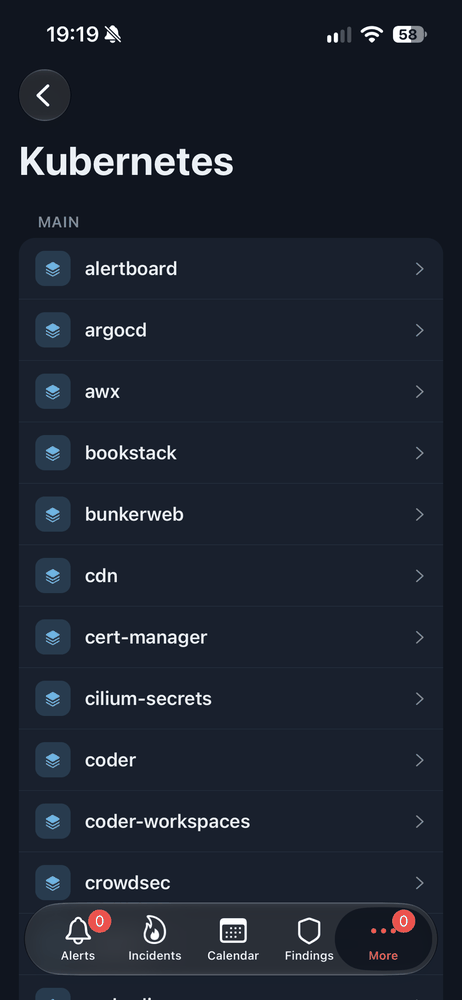
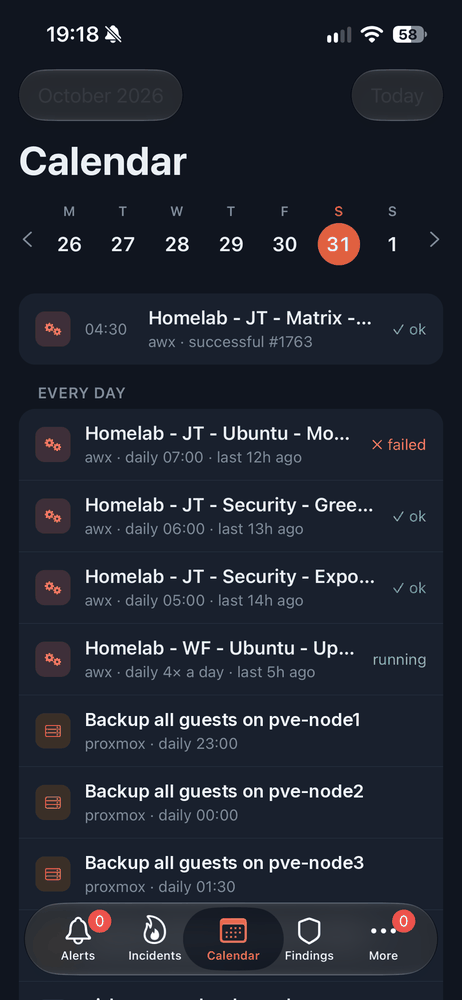
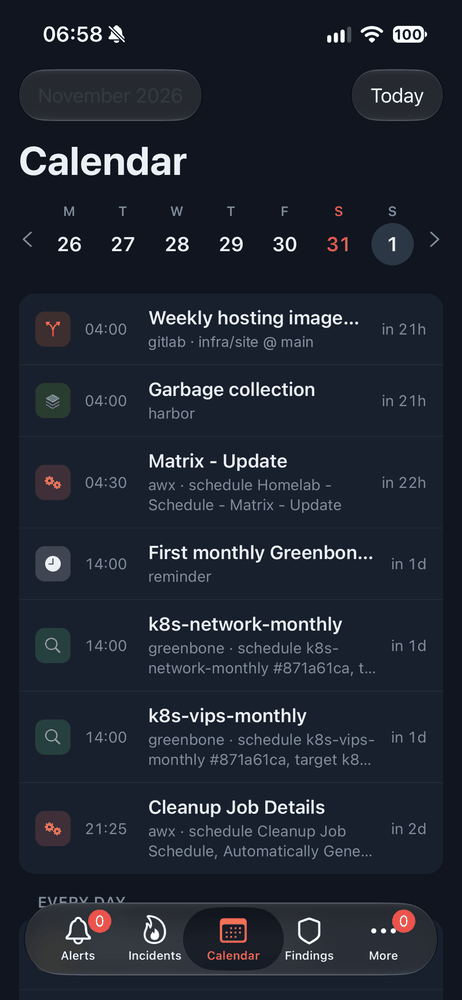
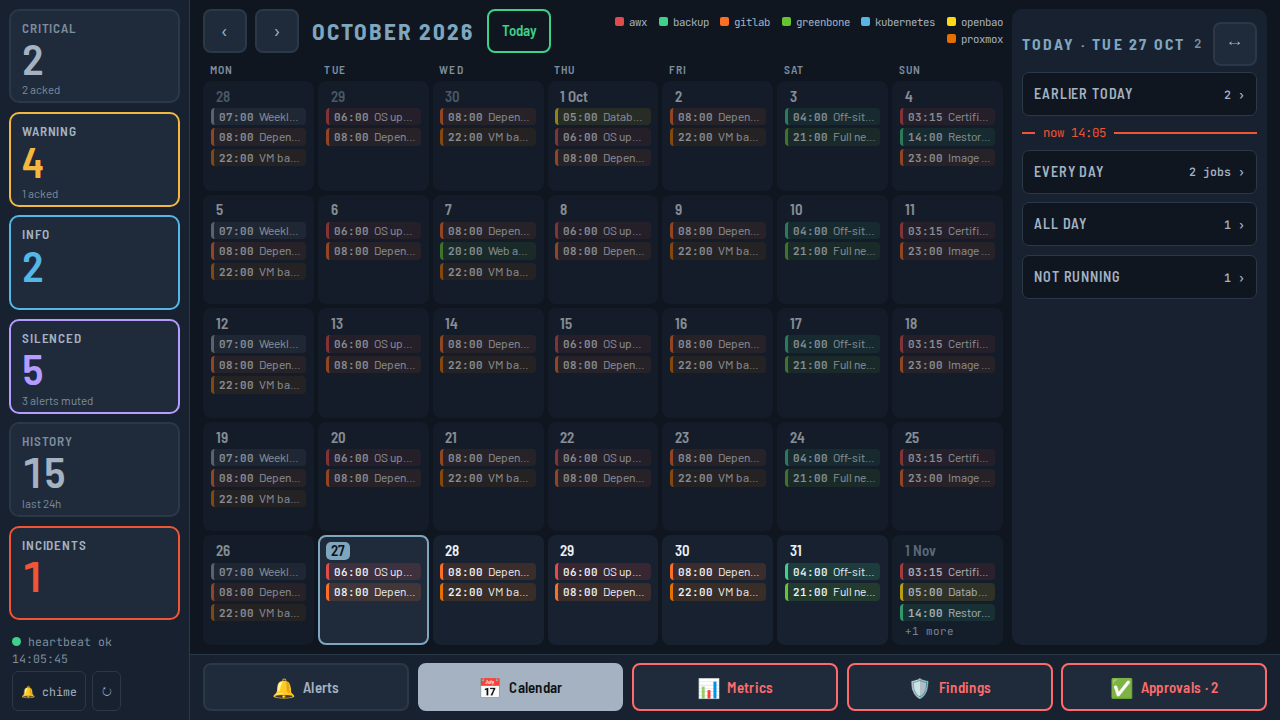
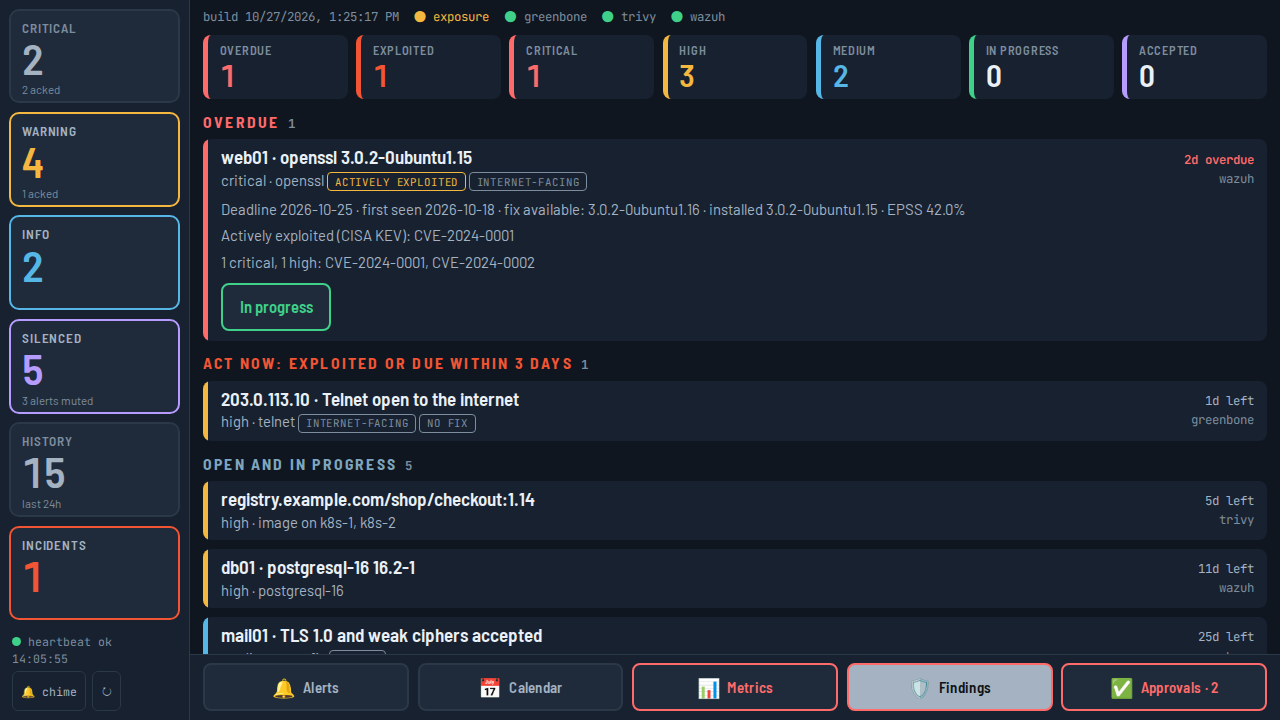
Alertmanager is the only one required. Optional connections: Prometheus, OneUptime, AWX, Kubernetes (any cluster with a kubeconfig), Proxmox VE, Greenbone, Wazuh, Longhorn, Harbor, GitLab and OPNsense exporters. Every connection beyond Alertmanager is optional; features without one simply stay off.
Can my whole team use it?
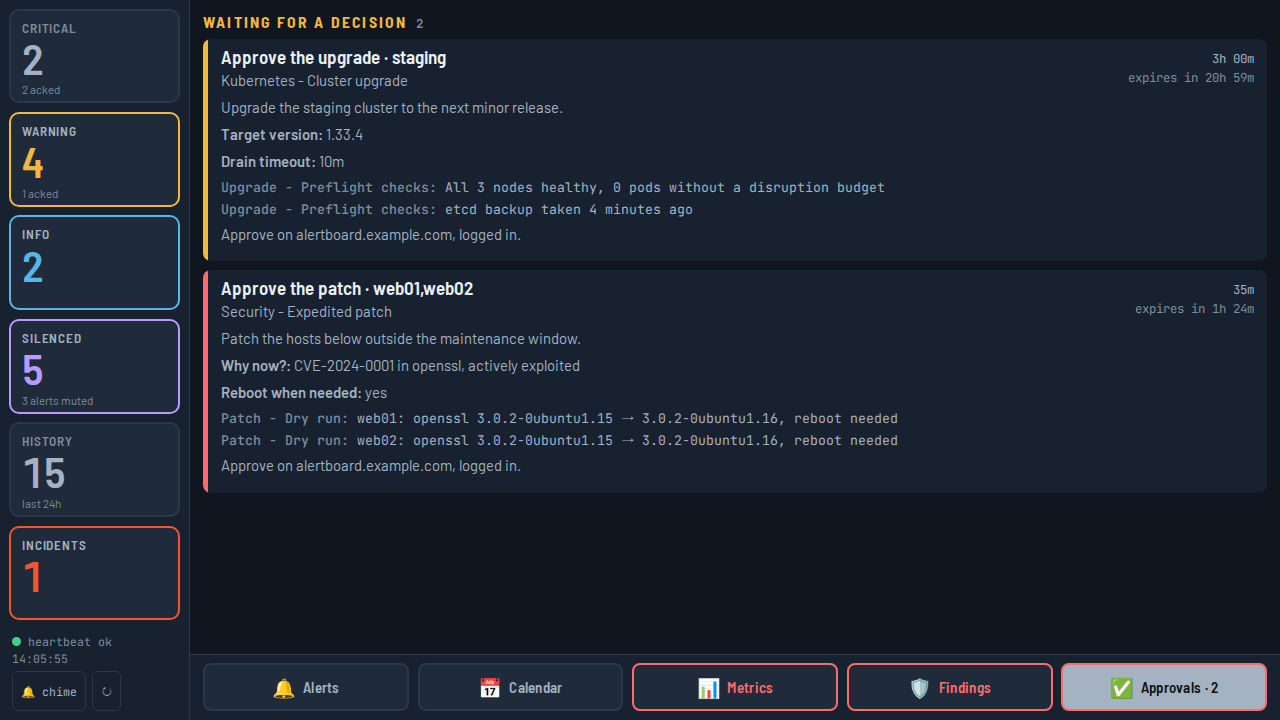
Yes. Anyone in your OIDC provider's users group can sign in. Groups decide who may only look, who may act, who decides security findings and who may open a terminal. Every action is logged with who made it.
What happens if I lose my phone?
Your phone holds a session token for your board in the iOS keychain — no API keys, no SSH keys, no kubeconfig. Every change needs Face ID. To cut off all sessions at once, rotate the board's session key.
Is there an Android version?
Not yet. PiDash is built for iPhone and iPad first. The board itself works in any mobile browser in the meantime, including acks and silences.